July 16, 2014
AVERAGE PLAYTIME 1 HOURS
EVGA Precision XOC
OFFICIAL WEBSITE
http://www.evga.com/precisionxocAbout Game
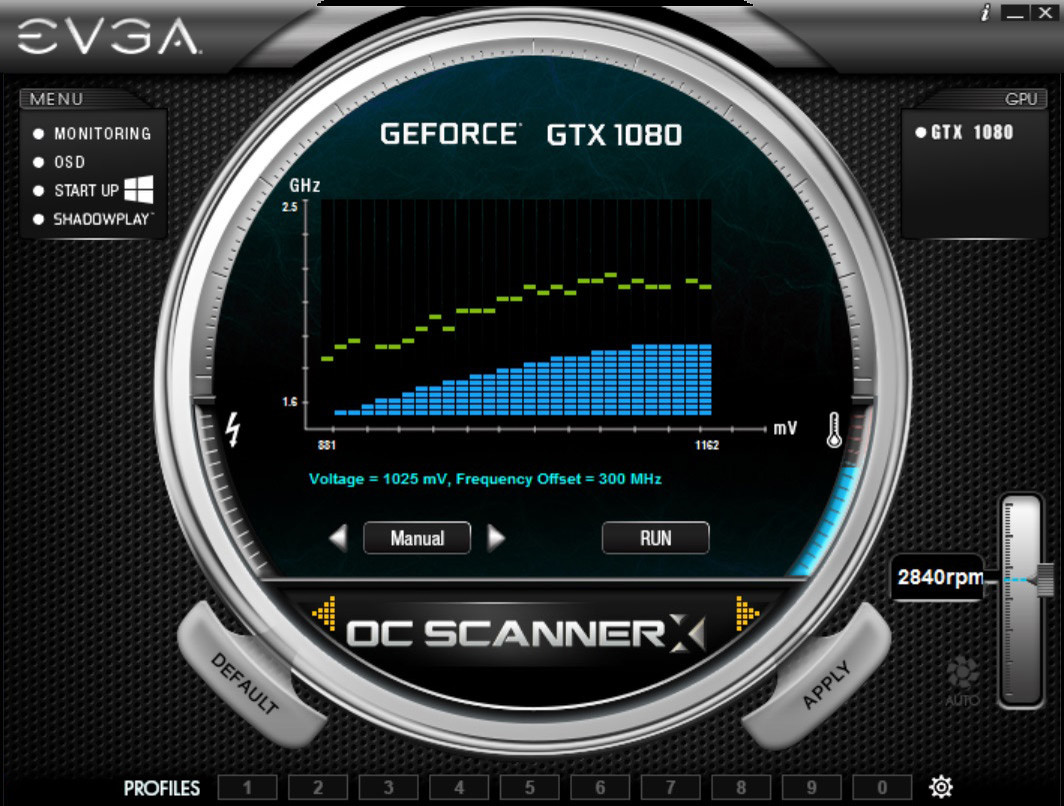
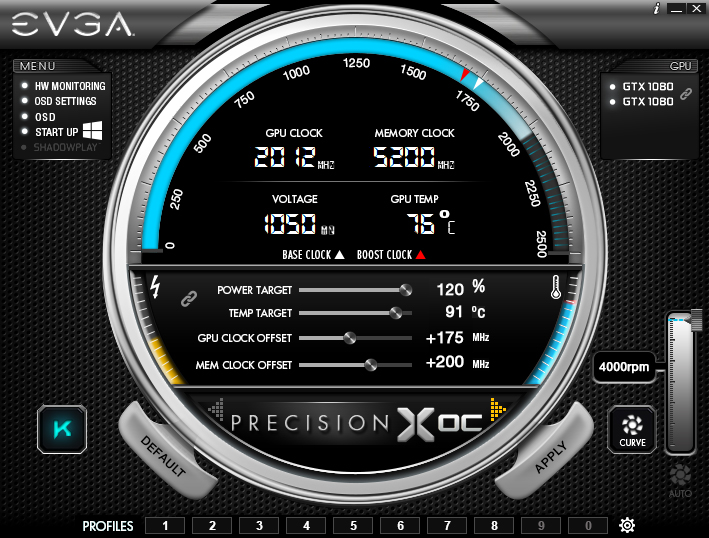
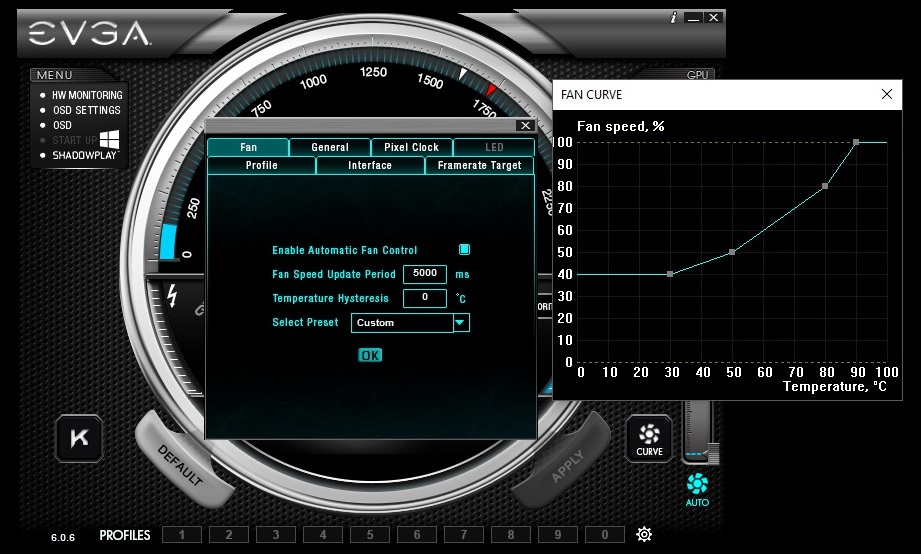
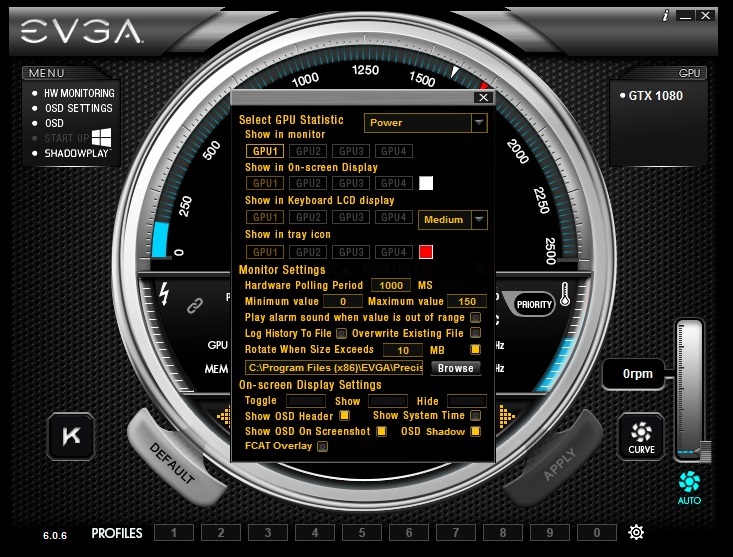
The next generation of EVGA Precision has arrived with EVGA Precision XOC. This software allows you to fine tune your NVIDIA graphics card, maximizing cooling and performance. This new version of Precision is built for the latest NVIDIA graphics cards and combines the best of EVGA Precision and EVGA OC Scanner to give you never before seen overclocking features and built in automatic tuning.<ul> <li>Full support for NVIDIA GeForce GTX graphics cards</li><li>Dynamically set independent voltage/frequency points for ultimate control</li><li>Linear mode gives you one click overclocking</li><li>Use the Scan mode to find the optimal voltage/frequency curve for your card!</li><li>Full support for Microsoft DirectX 12 (EVGA card required)</li><li>OSD interface with RGB color support</li><li>GPU, Memory and Voltage Control</li><li>Custom Fan Control/Fan Curve</li><li>Profiling system allowing up to 10 profiles with hotkey</li><li>In game screenshot hotkey supports BMP and JPG</li><li>Much more!</li></ul>Note: This application has many features and achievements that may void your graphics card's manufacturer warranty. Please consult with your video card manufacturer before using this application. If the card is an EVGA graphics card, overclocking is covered under the warranty term.
42skip ❌
15meh 😑
11recommended 👍
4exceptional 👌
DEVELOPERS
GENRES
PUBLISHERS
PLATFORMS
METASCORE
0
Achiement Game
Serious GPU Horsepower
Open Precision XOC on a system that has 4 or more GPU's
Elite
Adjusted GPU clock equals exactly 1337MHz
A Picture is Worth a Thousand Words
Use the screen capture function
Its OK to be Cautious
Successfully use the TEST button
Twins
Open Precision XOC on a system that has 2 of the same GPU's
Overclocking at the South Pole
Reach a GPU Temperature of 10 degrees celsius or lower
Setting the Curve
Set a custom fan curve
Profiler
Save an overclock profile
Instructions Not Included
Disable interface tooltips
Wrong Way
Set a negative clock offset on GPU or Memory